
01
Your recipes stay yours
Recipes you add belong to you, structured with ingredients, steps, servings, and tags. They are not screenshots in a camera roll or posts owned by a platform.
Updated
The best recipe app keeps every recipe in one searchable place, lets you choose what stays private, plans your week, and builds your shopping list from the plan. Chefless does those things on iPhone and Android, and the checklist below lets you hold any recipe app to the same standard.
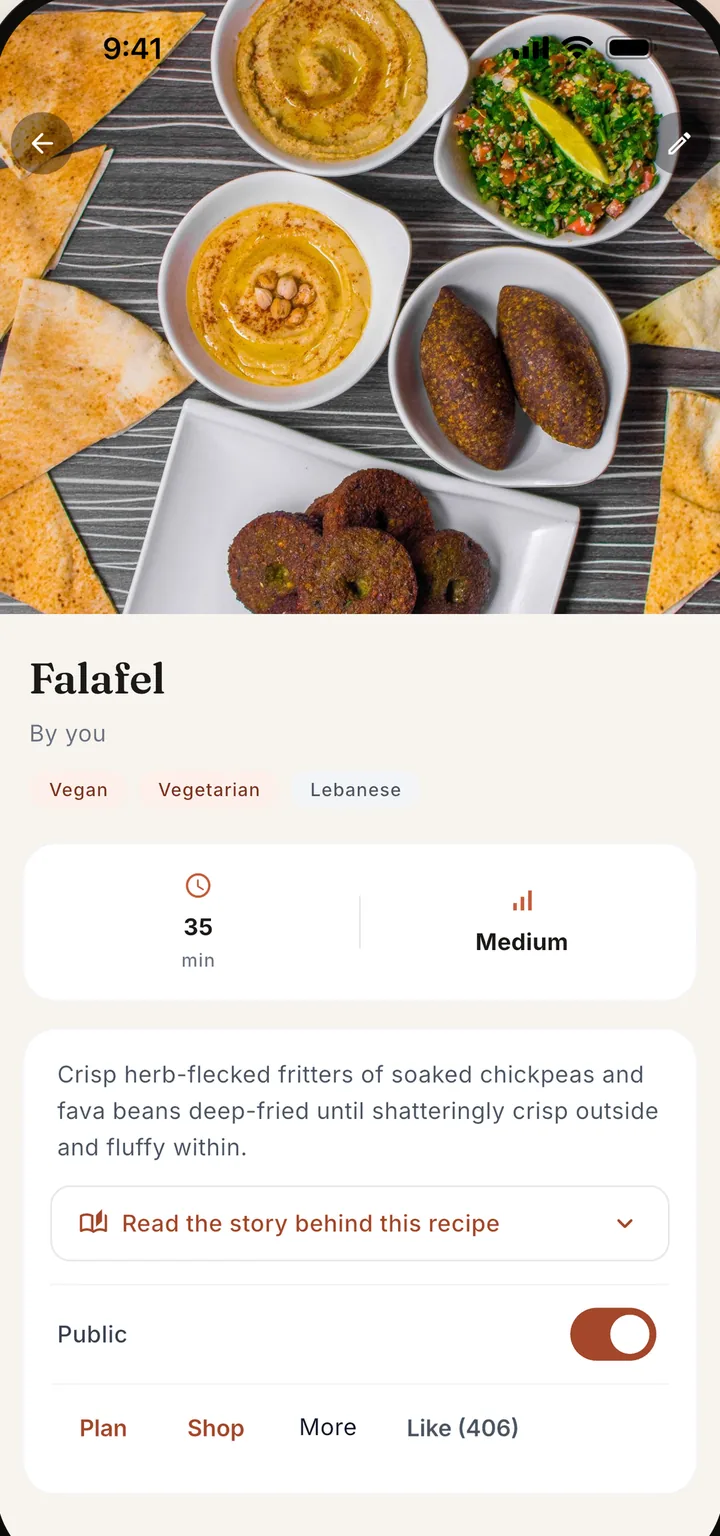
A recipe organizer that keeps every recipe in one structured, searchable place.
Meal planning and shopping lists built in, not bolted on as a separate app.
A social layer for family and friends that you can use fully or not at all, with no ads.
At minimum it should store recipes in a structure you can search, let you decide who sees each one, plan meals on a calendar, make a shopping list from the plan, and guide you while you cook. The six cards below turn that into a checklist you can hold any app to.
Recipes you add belong to you, structured with ingredients, steps, servings, and tags. They are not screenshots in a camera roll or posts owned by a platform.
Every Chefless recipe is private or shared. A private recipe is visible only to you, and a private account needs your approval for each follower.
Saving recipes is half the job. Drag them onto a weekly meal plan your whole household can see, so dinner is decided once.
Plan the week and make one list for the days you pick. Repeated ingredients are added together, and when the plan changes you update the list.
Paste a link, share a post from another app, or photograph a cookbook page. You check each imported recipe before it saves.
Cook mode shows one step at a time, keeps the screen on, and runs timers that alert you when they finish, even from the lock screen.
Most people keep recipes in notes and screenshots, or in a public feed app. Notes are private but scattered, and feed apps are searchable but built to broadcast. Chefless keeps recipes structured, lets you choose private or shared for each one, and adds planning and shopping lists.
| What you need | Notes and screenshots | Public feed apps | Chefless |
|---|---|---|---|
| Every recipe in one structured place | No, scattered and unsearchable | Partly, saved posts get buried | Yes |
| You choose who sees each recipe | Yes, it is all private | Not usually, built to broadcast | Yes, private or shared for each recipe |
| Weekly meal planning | No | No | Yes, shared with your Kitchen |
| Shopping list from the plan | No | No | Yes, made from the meal plan |
| Cook together with family | No | Partly, comments from anyone | Yes, in a Kitchen |
| Ads | None | Usually | None, ever |
| Works without a connection | Yes | No | Partly: it opens with your last feed, and Cook mode keeps its steps and timers on the phone |
"Notes and screenshots" covers camera rolls, notes apps, and bookmark folders. "Public feed apps" covers recipe platforms built around a public feed. For a named app side by side, read Chefless vs Paprika.
For a household that cooks together, the best recipe app keeps the family's recipes safe, shareable, and easy to plan with. Chefless gives every recipe a structured home, lets a Kitchen share one meal calendar and shopping list, keeps each cook's changes as remixes, and stamps the cuisines you cook on a Culinary Passport.
A good free recipe app lets you save, plan, and shop before it asks for money. Chefless is free to download with no ads, and the free plan covers the basics. The pricing page lists the limits and what Chefless Premium adds, so you know before you commit to anything.
Yes. Recipes show clear ingredients and steps, and Cook mode walks you through one step at a time with timers that alert you when they finish. Amounts follow the servings you choose, in metric or imperial. Beginners can also start with recipes from cooks they follow or from family in their Kitchen.
That is exactly what it is for. Chefless gives every recipe a permanent, structured home with ingredients, steps, servings, cuisine, and diet tags, all searchable. You can import from a link or photograph a page, and each recipe is private or shared, so it works as a recipe keeper even if you never share one.
Switch the recipe to private and only you can see it. You can also make your whole account private, so people need your approval to follow you. Chefless has no ads and never sells your data, and you can block or report anyone from their profile.
Download Chefless, add three recipes, and plan one week. That is all it takes to know.
Free to download with no ads. Free accounts hold up to five recipes, a Kitchen of two people, and a five day plan, and Chefless Premium removes those limits.
Is Chefless a social recipe app?
Yes, and you choose how social it is. Follow cooks, browse For You, Trending, Friends, and Seasonal, rate what you cook, and post a photo of your plate. Or keep everything private and cook with one Kitchen of the people you invited. Either way there are no ads, and your recipes stay yours.