
01
Save your recipes
Add family favorites, import new finds, or use recipes shared in your Kitchen. Everything lives in one searchable recipe book.
Updated
A family meal planner is a calendar your whole household can see. In Chefless you drag recipes onto the week, give each meal its own servings, and everyone in your Kitchen sees the same plan, then one shopping list is made from it.
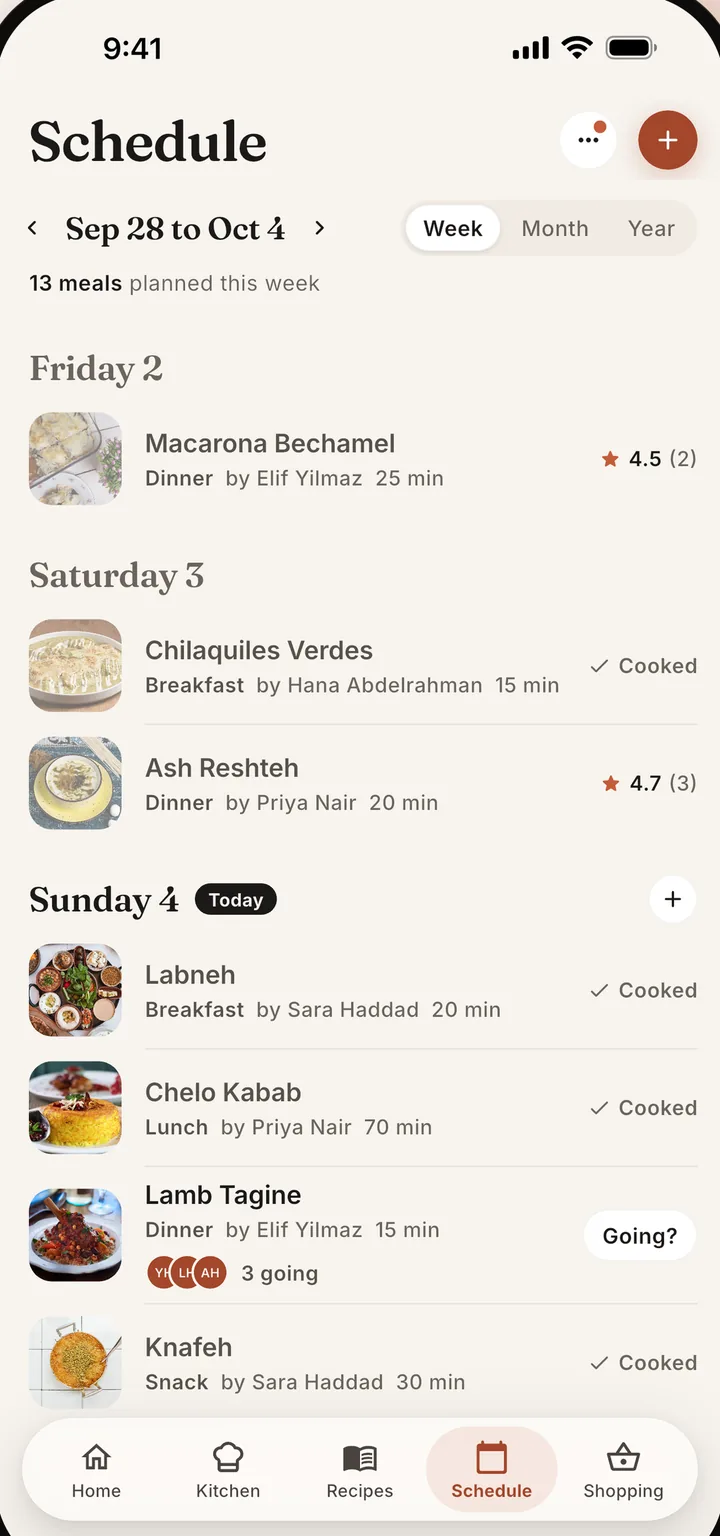
One shared week. Everyone in the Kitchen sees the same calendar.
Plan from recipes you already saved, not from a blank calendar.
The shopping list is made from whatever the week holds.
Save the recipes you cook, drag them onto the days you want, and make one shopping list from the plan. Look at the week, month, or year, give each meal its own number of servings, and add the Tonight widget to your home screen so dinner is one glance away.
Add family favorites, import new finds, or use recipes shared in your Kitchen. Everything lives in one searchable recipe book.
Open the schedule and drop meals onto days. Members suggest meals, the Head Chef or an Approver confirms them, and members can say whether they are coming.
Chefless adds the ingredients from every planned meal into a single shopping list. Whoever passes the store already has it in their pocket.
Yes. A Kitchen gives the household one calendar. Members suggest meals, the Head Chef or an Approver confirms them, and Editors add meals directly. Members mark whether they are coming to a meal, and the Head Chef can tell everyone the food is ready with one tap. People join with an invite code.
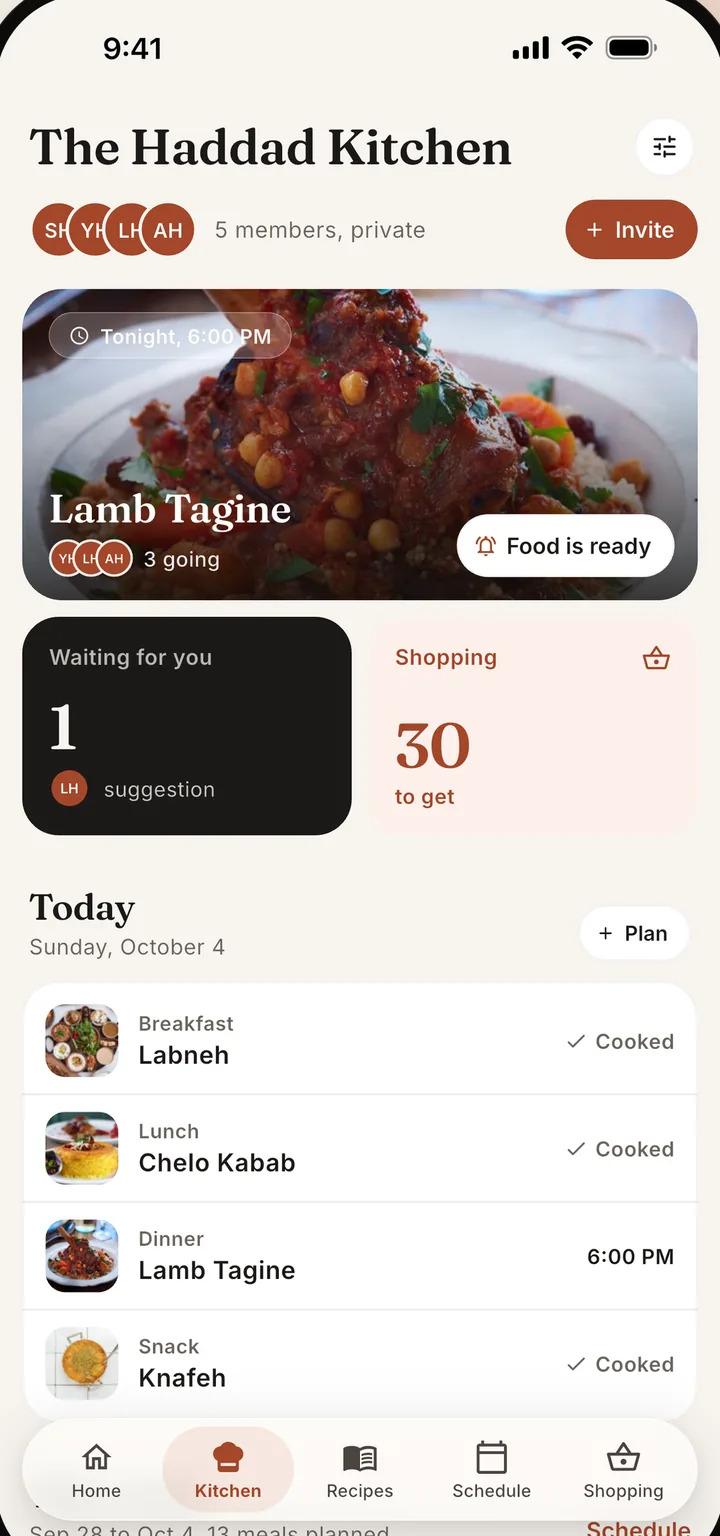
Six shortcuts keep a busy week moving. Copy a past week into the one you are planning, get meal ideas when a day is empty, plan leftovers, set servings for each meal, switch between week, month, and year views, and see tonight's dinner with the Tonight widget on iPhone and Android.
Copy a past week of meals into the week you are planning. A preview shows exactly what lands where, and Undo stays for six seconds.
When nothing is planned today, Home shows three recipes you could cook, each with a plain reason, and Plan it adds one to tonight in a tap.
Give every planned meal its own serving count, and the shopping list quantities follow it.
The Tonight widget shows tonight's planned meal with its photo and cooking time, and one tap starts Cook mode. It works on iPhone and Android.
Cook once and eat again. Plan a meal's leftovers for another day and the shopping list covers both meals in one shop.
See the plan by week, month, or year. Chefless Premium unlocks the full calendar, and a free account plans around today.
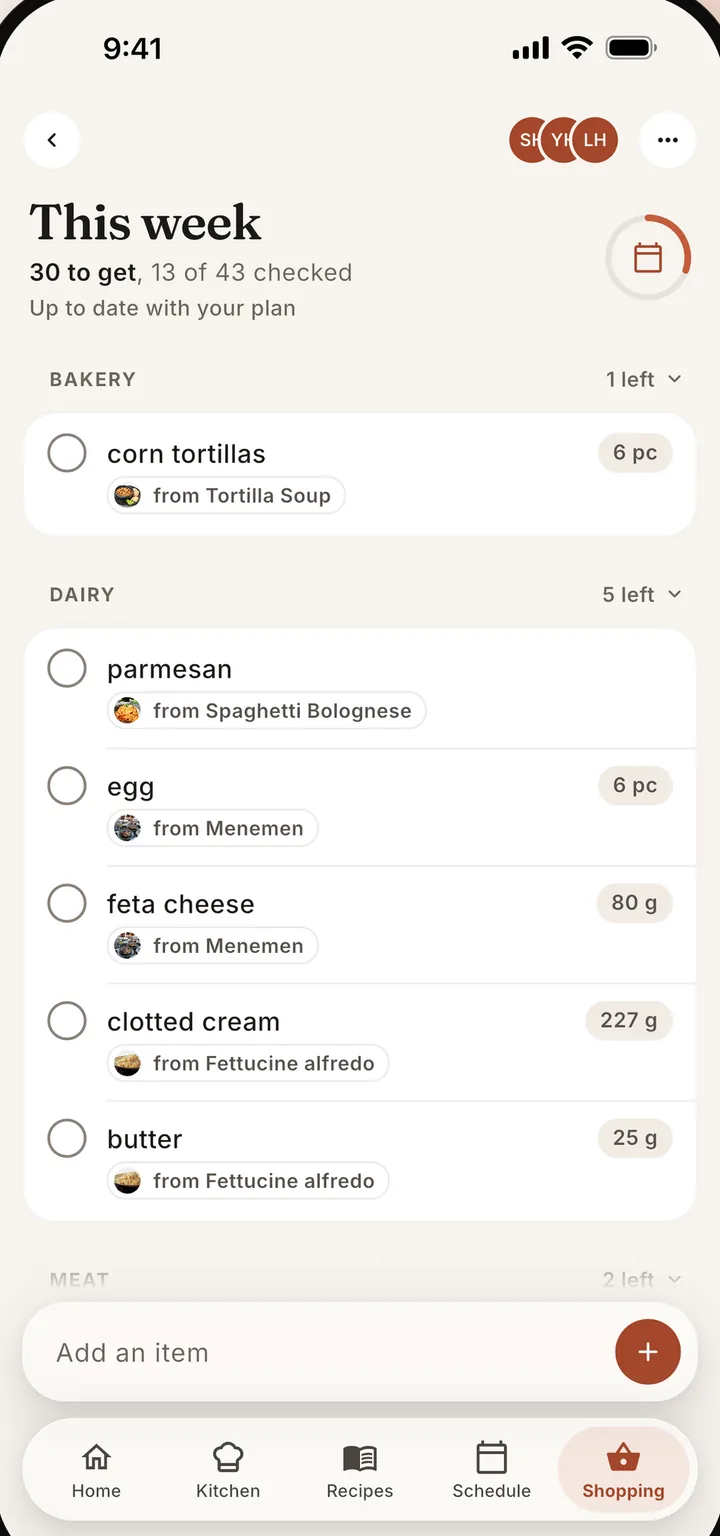
Pick the days you want, and Chefless makes one grocery list from the plan, adding repeated ingredients together. When the plan changes, update the list. It keeps the items you checked and the ones you added yourself. Use Send list to share what is left to buy with Messages, WhatsApp, or any app.
The best family meal planner has to be shared, or one person ends up as the household secretary. In Chefless, everyone in your Kitchen sees the same calendar. Drag a recipe onto Tuesday and it lands on everyone's Tuesday, members can say whether they are coming, and the shopping list is made from the plan.
Yes. Create a Kitchen, share the invite code, and you both see the same calendar. It works for couples, parents and kids, housemates, and families in different homes. The Head Chef can let others add meals directly or approve the meals that members suggest.
Yes. Choose the days you want and Chefless makes one list from the recipes on them, adding repeated ingredients together. When the plan changes, update the list. It keeps the items you checked and the ones you added yourself, and Send list shares what is left to buy.
Chefless Premium unlocks the full calendar, with week, month, and year views. A free account plans from two days before today to two days after. The pricing page lists the other differences, and every plan includes shopping lists and Cook mode.
Plan before you lose signal, because most of the planner needs a connection. Chefless opens with your account and the last Home feed you saw, and Cook mode keeps its steps and timers on your phone, so a dinner you have already started cooking keeps going.
Download Chefless, invite your household, and plan your first week tonight.
Free to download with no ads. Free accounts hold up to five recipes, a Kitchen of two people, and a five day plan, and Chefless Premium removes those limits.