
01
Pick the week's recipes
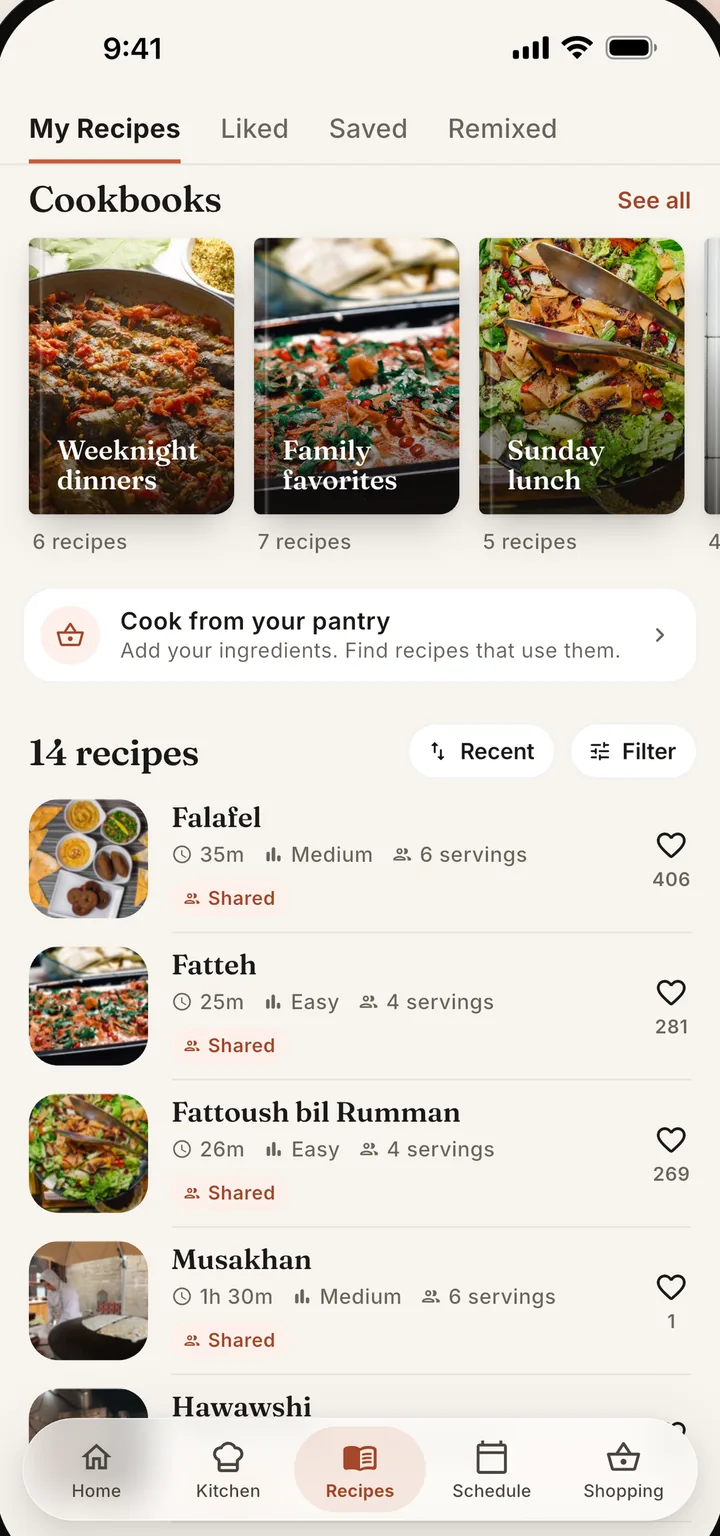
Choose from your recipe book or your Kitchen's shared favorites. Filter by cuisine or diet so every meal fits your goals.
Updated
Meal prep means cooking once and eating several times. In Chefless you scale a recipe to the portions you want, plan its leftovers for later days, and make one shopping list for the whole prep. Cook mode then walks you through each step with timers.
Set servings for each meal: four lunches, two dinners, whatever the week needs.
Plan leftovers on another day and let one shop cover both meals.
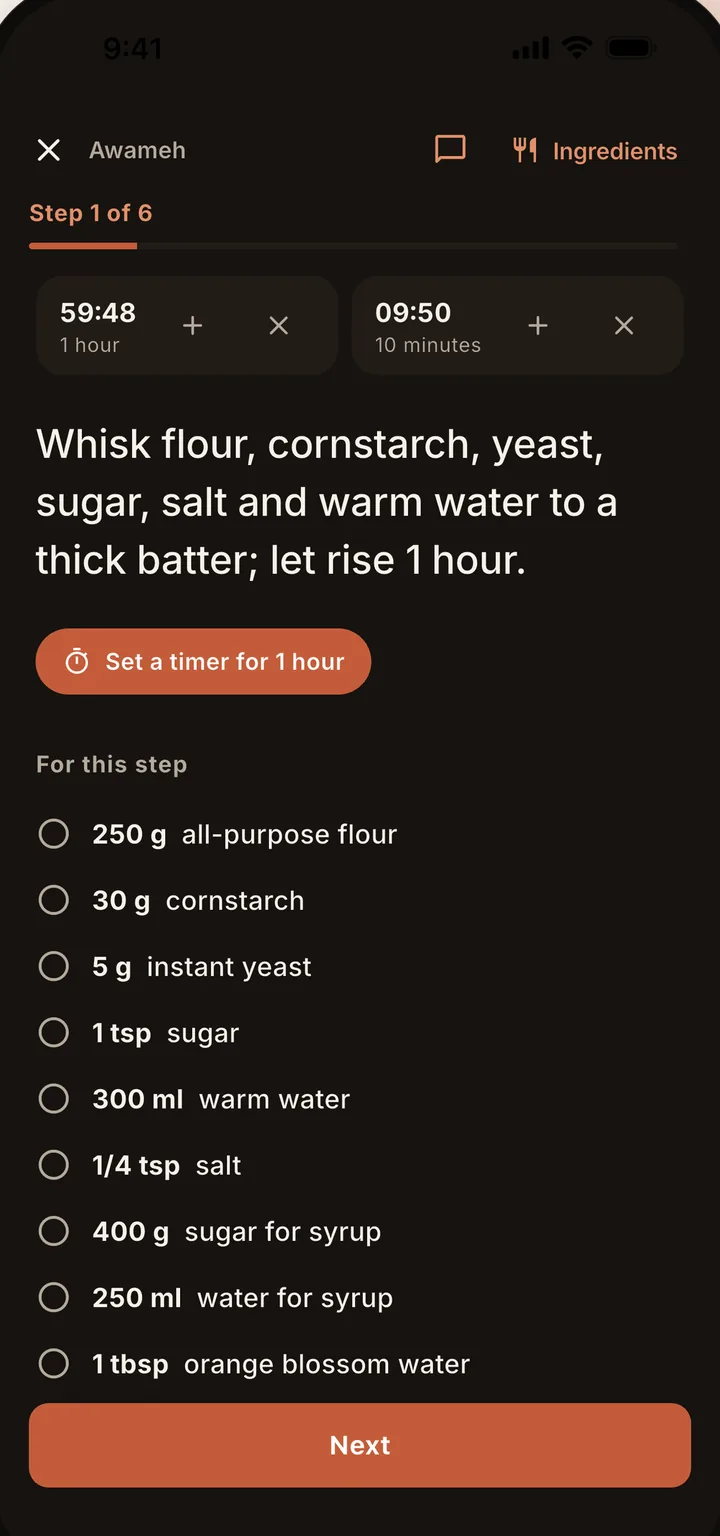
Cook mode with timers keeps a long prep day on schedule.
Pick the recipes for the week, set servings for each planned meal, and put them on your calendar. Chefless adds repeated ingredients into one shopping list with quantities that match your portions, so you shop once and spend one afternoon at the stove.
Choose from your recipe book or your Kitchen's shared favorites. Filter by cuisine or diet so every meal fits your goals.
Set the servings for each meal, then drop it onto the weekly calendar so prep day is mapped in advance.
Chefless merges everything into one shopping list, with quantities matched to your servings. One store run, one afternoon at the stove.
Change the servings and every ingredient amount follows, in metric or imperial. Give each planned meal its own serving count, so four portions of chili for lunches and dinner for two share one calendar with the right totals. There is no calculator at nine on a Sunday night.
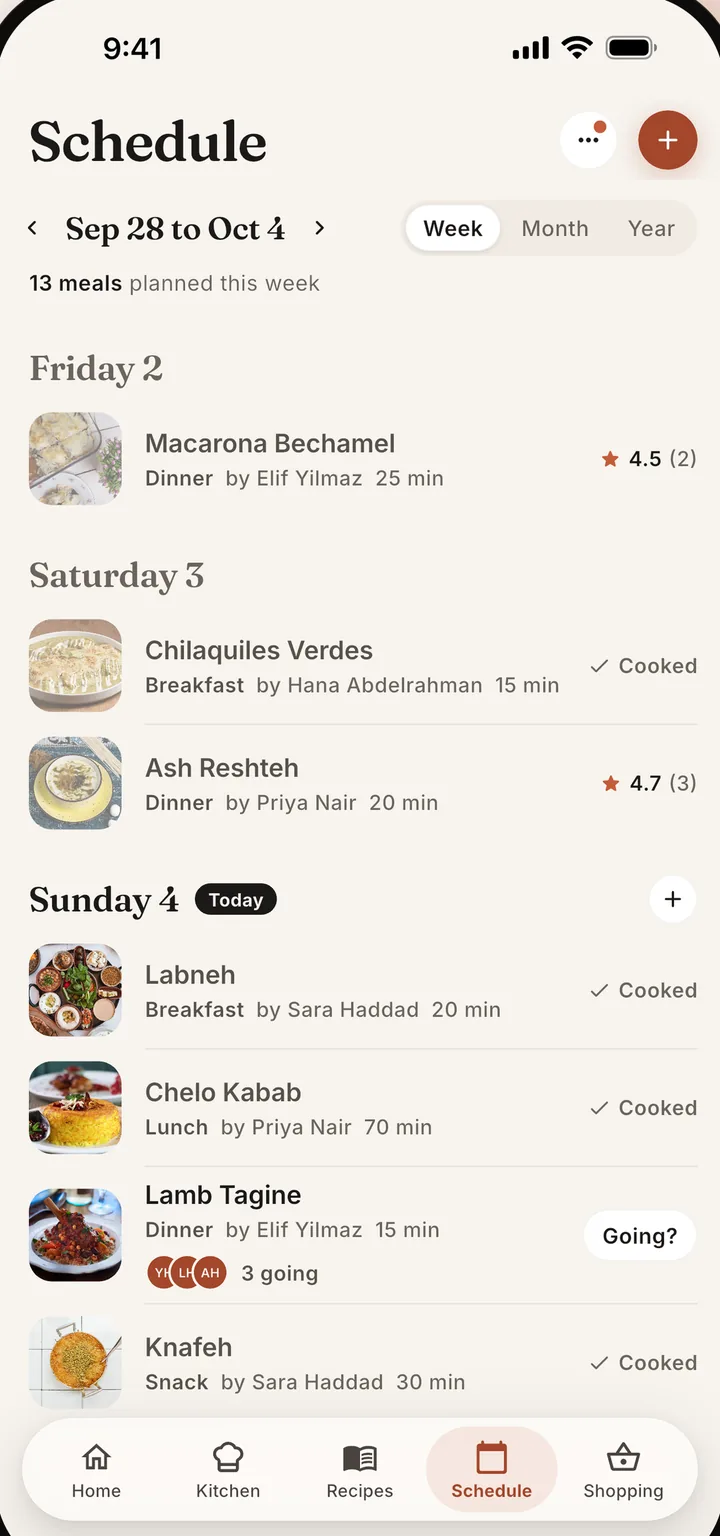
Planned leftovers are a meal you cook once and eat again on another day. Pick a planned meal, add its leftovers to a later day, and Chefless raises the servings you cook, so one shopping trip covers both. The leftover meal never adds its own ingredients to the list.
Cook mode shows one step at a time, keeps your screen on, and runs your timers. Timers appear on the lock screen and alert you when they finish, so you can start the next batch without watching the clock. Amounts follow the servings you chose.
One step at a time, with amounts for the servings you picked, in metric or imperial.
Running timers show on the lock screen, and in the Dynamic Island on iPhones that have one. On Android they show as a live countdown.
Prepping with others? The list lives in your shared Kitchen, and Send list shares what is left to buy with any app.
A meal prep app needs recipes that scale, a calendar you can fill in advance, and one shopping list for the whole prep. Chefless does all three, adds planned leftovers and Cook mode with timers, and shares the plan with your household, so prep day is planned once instead of negotiated all week.
Yes. Change a recipe's servings and every ingredient amount follows, in metric or imperial. You can also give each planned meal its own serving count, so four portions of chili for lunches and dinner for two sit on the same calendar, and the shopping list quantities match.
Pick a planned meal and add its leftovers to another day. Chefless raises the servings you cook, so one shopping trip covers both meals, and the leftover meal never adds its own ingredients to the list. It also never asks whether you cooked a leftover.
Yes. Choose the prep days and Chefless makes one list from every planned recipe, adding repeated ingredients together at your portion sizes. Change the plan and update the list; it keeps what you checked and what you typed in yourself. Send list shares it with whoever is shopping.
Yes. Put the prep plan in a shared Kitchen and everyone sees the same calendar, recipes, and shopping list. One person shops while another preps. Members can suggest meals, and the Head Chef or an Approver confirms them, so the plan stays in order even when several people cook.
Download Chefless and plan your first prep day in minutes.
Free to download with no ads. Free accounts hold up to five recipes, a Kitchen of two people, and a five day plan, and Chefless Premium removes those limits.